How to Set Up a Home Office for Remote Work: What You Actually Need
To set up a home office, start with a dedicated place to work, then add a desk that fits the space, a comfortable chair, good lighting and only the equipment you actually need for your job. You don’t need a separate room or an expensive setup, and if you live in a small apartment, even one corner can work surprisingly well.
I learned this because, for a long time, my home office was basically my bed. I live in a very small studio, and I couldn’t work out where a proper workspace was supposed to go. There was no spare bedroom to turn into an office, no empty wall waiting for a huge desk and definitely no space for the kind of home office you see online, with bookshelves, plants and two enormous monitors.
Working from bed seemed like the easiest solution. It cost nothing, took up no extra space and meant I could open my laptop and start working immediately. The problem appeared later. My bed stopped feeling completely like a place to rest, but it still wasn’t a good place to work. I could spend hours with my laptop in front of me without feeling properly focused, and there was almost no physical difference between working, watching something online and going to sleep.
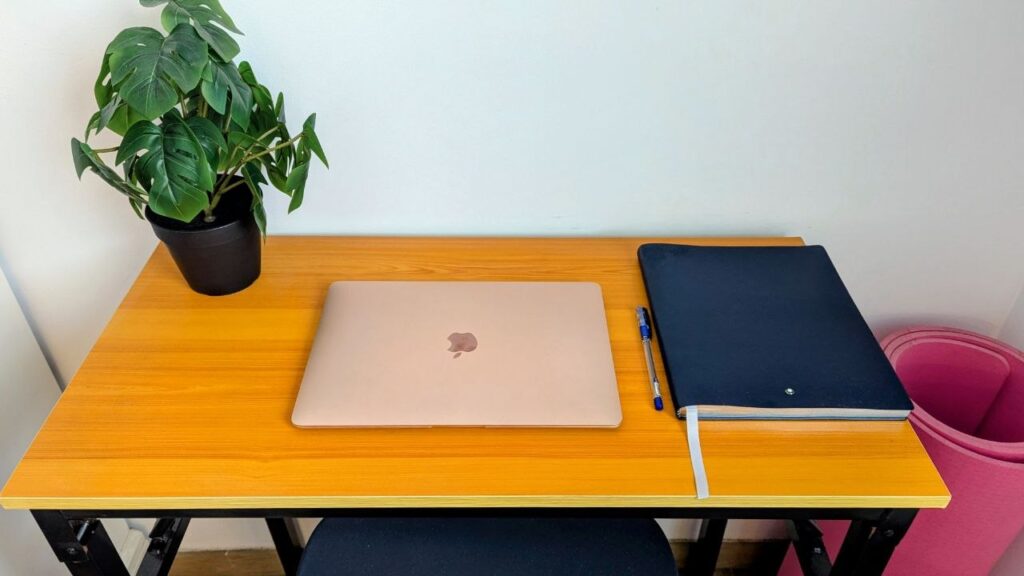
Eventually, I stopped asking myself how I could fit a traditional office into my studio. Instead, I bought a small folding table, put it in an unused corner and added a comfortable chair. The table can be folded away when I need the space, although most of the time I leave it open. That tiny corner now does something much more important than looking like an office: it gives me a specific place where I sit down to work.
That’s why my approach to how to set up a home office is much simpler now. Start with the problems that make working uncomfortable or distracting, solve those first, and buy additional equipment only when you know why you need it. A small desk that you actually use every day is more useful than an elaborate home office setup that doesn’t fit the way you live.
Start With Where You’re Going to Work
Before buying a desk, chair or any of the home office accessories that suddenly look essential once you start browsing online, decide where you can realistically work every day.
In a small apartment, this usually means choosing between imperfect options. Look for a place with a power outlet nearby, enough room to move a chair and as little interruption as possible. Natural light is useful, but I wouldn’t automatically put a desk directly in front of the brightest window. If sunlight hits the screen for several hours, you may spend half the day changing the screen brightness or closing the curtains anyway.
Noise matters as well. A corner next to the television may technically fit a desk, but it is not particularly useful if somebody else uses that room throughout the day. If you regularly have video calls, sit down in the proposed spot and open your laptop camera before moving furniture. You may discover that the camera points directly at your bed, kitchen or front door.
This is also why I don’t think how to set up a home office without a spare room should begin with buying furniture. First find the least disruptive part of the home, then buy furniture that fits that space.
If working from home has already started to feel strangely difficult even though you have more freedom than you had in an office, the physical setup may only be part of it. I found that losing the routines that normally structure a working day can make it surprisingly easy to sit in front of a laptop for hours while getting very little done.
Get the Desk Right Before Buying Accessories
My folding table isn’t glamorous, but it solved the biggest problem I had: I finally had a surface that belonged to work.
If you’re figuring out how to set up a home office in a small apartment, I would choose the desk based on available centimetres rather than photographs of other people’s offices. Measure the actual space, including enough room to pull the chair backwards. A 120 cm desk is useless if it makes it difficult to walk through the room.
For a laptop-only setup, you can get away with a relatively compact table. If you want a separate monitor, measure its stand as well as the space needed for your keyboard. Depth can become more important than width because a very shallow desk leaves the screen uncomfortably close to your face.
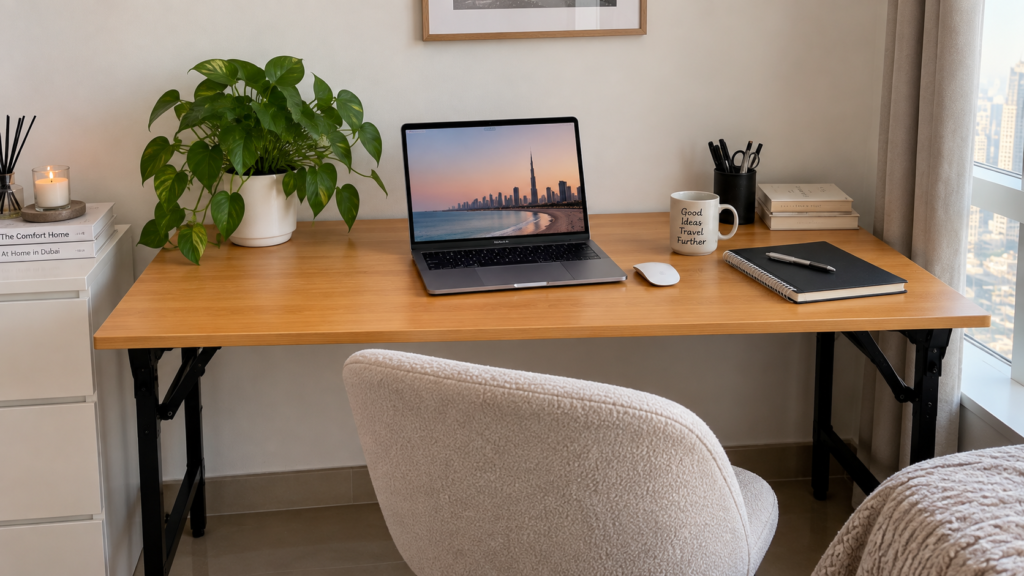
A folding desk or compact desk makes much more sense when floor space is limited. Mine works because I can fold it if I genuinely need the room for something else; I didn’t have to redesign my studio around my job.
I wouldn’t buy a standing desk simply because it appears on lists of home office essentials for remote workers. If you know you will alternate between sitting and standing, it may be worth the extra cost. If you won’t, that money is better spent elsewhere.
Your Chair Matters More Than How the Office Looks
If I had to choose between a beautiful desk and a comfortable chair, I would spend the money on the chair.
The difference becomes obvious after several hours. A dining chair may be fine for checking emails for 30 minutes, but working on it five days a week is a different matter. Look for a chair that allows you to sit with your feet supported and your arms comfortably reaching the desk rather than choosing one because it matches the room. The Mayo Clinic’s office ergonomics recommendations suggest adjusting chair height so your feet rest flat on the floor, with your arms positioned comfortably and your shoulders relaxed.
This doesn’t mean you need the most expensive “ergonomic” chair on Amazon. Adjustable height is useful because desks and bodies are different sizes, and back support matters much more to me than whether a chair looks like something from a corporate office.
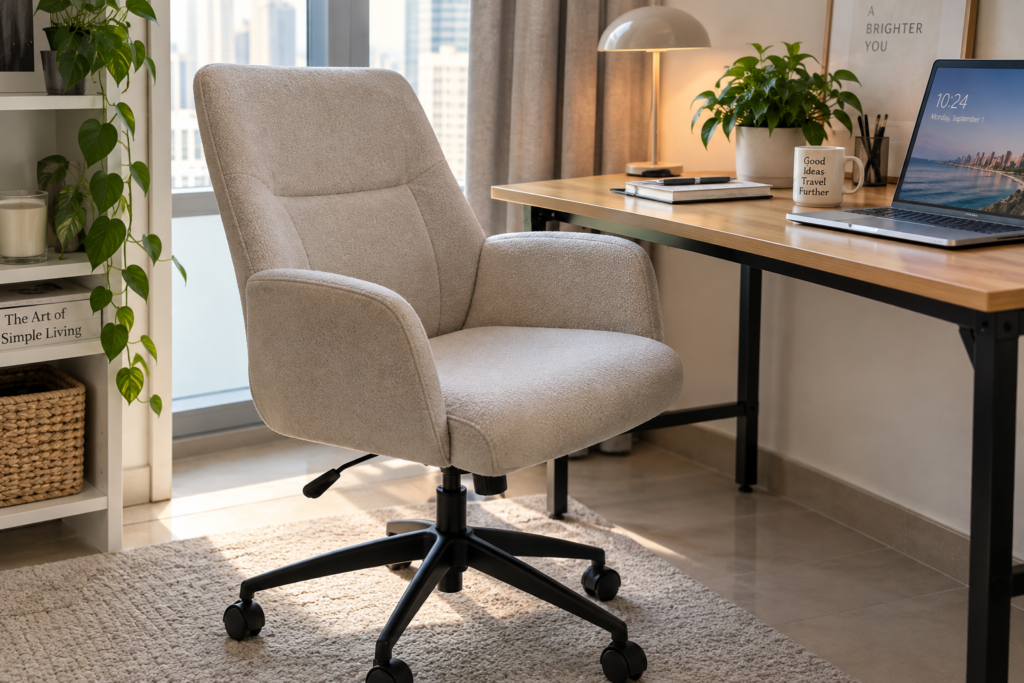
A good chair also doesn’t solve the problem of sitting for eight uninterrupted hours. One of the easiest things to lose when you stop commuting is all the incidental movement that used to happen without thinking about it, which is why I also had to pay more attention to staying active during a work-from-home day.
Stop Working With Your Laptop at Neck Level
A laptop creates an annoying home-office problem: if the keyboard is at a comfortable height for your hands, the screen is usually too low. Raise the laptop to improve the screen position and suddenly the keyboard becomes awkward to use.
The inexpensive solution is a laptop stand combined with an external keyboard and mouse. If you’re trying to make a home office ergonomic without replacing all your furniture, this is one of the first changes I would consider.
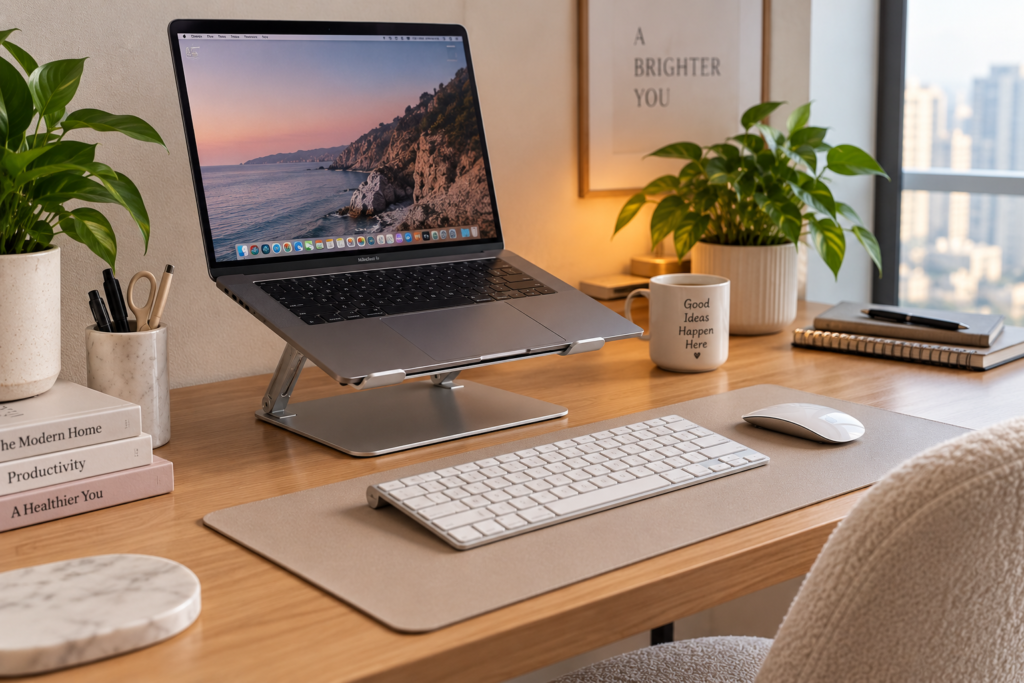
I prefer the idea of an adjustable stand rather than a fixed one because the correct height depends on the desk, chair and person using it. As a practical starting point when deciding how to position a monitor in a home office, you shouldn’t need to spend the entire day noticeably bending your head down to see the screen. OSHA’s computer workstation guidance recommends keeping the monitor directly in front of you, with the top of the screen at or slightly below eye level and generally around 20–40 inches (50–100 cm) away.
This is also a good example of why I wouldn’t buy a bundle of accessories before using the workspace. Work there for a few days first. The annoying things become obvious very quickly, and those are the problems worth spending money on.
Do You Actually Need a Second Monitor?
Not necessarily.
A second screen can be extremely useful if your work involves comparing documents, spreadsheets, editing, research or constantly moving between several windows. If most of your day is spent writing in one document or working inside one browser window, a monitor may be an expensive object occupying half of a small desk.
For a tiny home office, I would consider one normal external monitor rather than automatically building a dual-monitor setup. A monitor arm can also free some desk space because you no longer have a large stand sitting underneath the screen.
If you move between home, coworking spaces and other locations, a portable monitor is another option. It won’t give you the same experience as a large desktop screen, but it is easier to put away when work finishes.
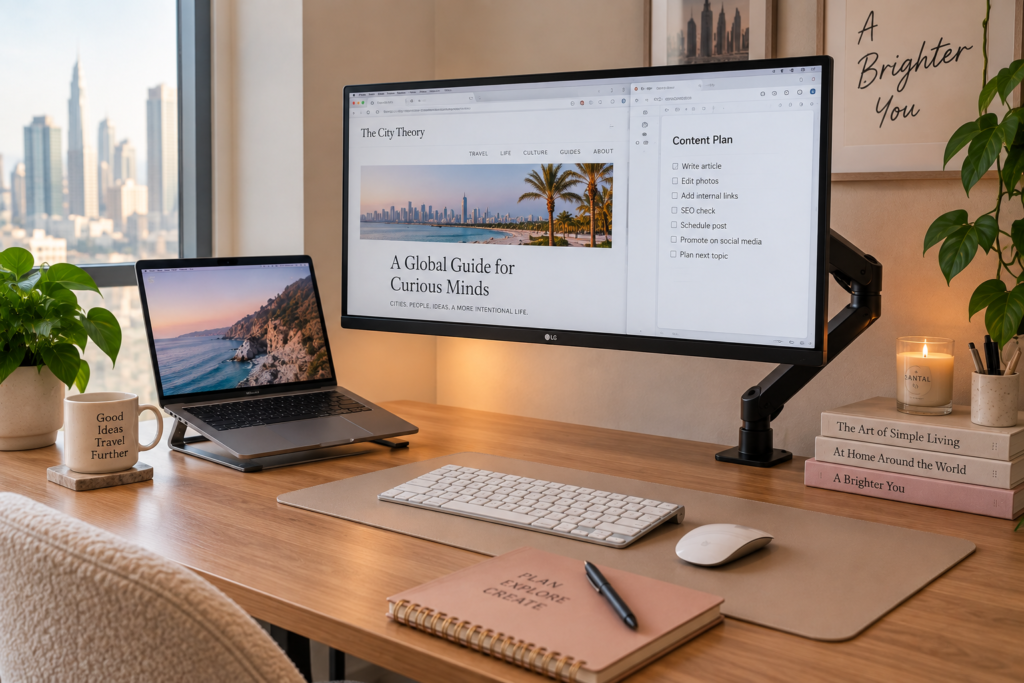
The point is to buy a monitor because your actual work needs more screen space, not because every “perfect home office setup” online seems to have two of them.
Fix Your Lighting Before Buying Décor
Lighting is one of those things you barely notice when it works and constantly notice when it doesn’t.
If possible, I like natural light coming from the side of the desk rather than directly behind the laptop. A window directly behind you can create an overexposed background during calls, while a bright window directly behind the monitor can become tiring to look at.
At night, one ceiling light may technically illuminate the room but still leave the desk unpleasantly dark. A small adjustable desk lamp lets you direct light where you actually need it and costs far less than redesigning the room.
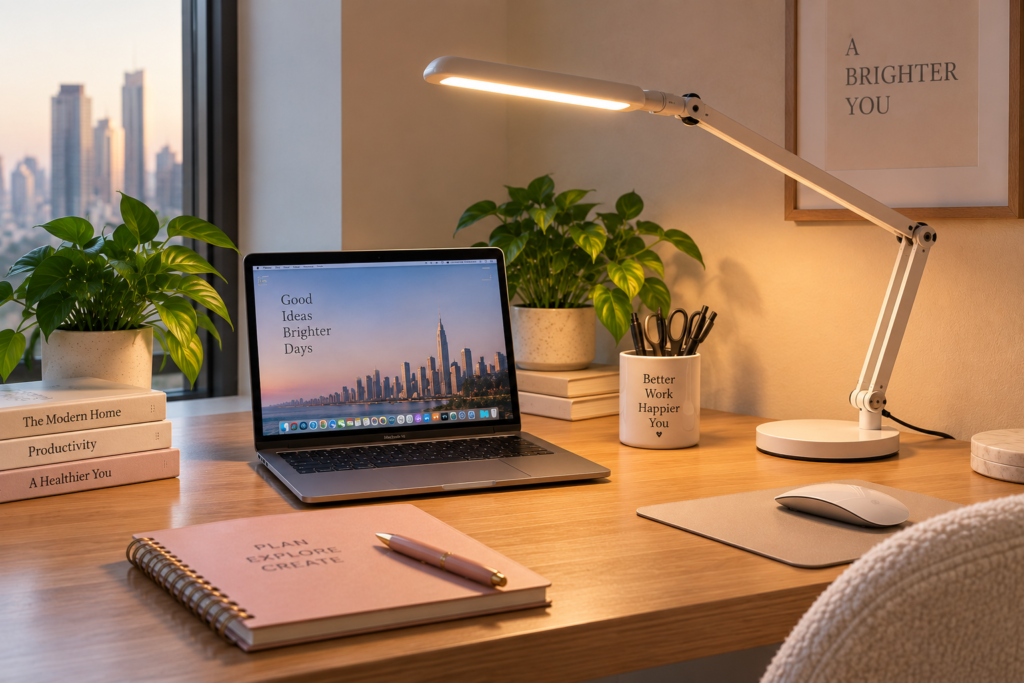
Before buying one, check where the lamp will actually sit. On a small folding table, a huge lamp base can take up a ridiculous amount of usable space, so a compact or clamp-style model may make more sense.
Make Zoom Calls Less Awkward
You don’t need a studio-quality background for a work call. You do need people to hear you and preferably see your face without a bright window turning you into a silhouette.
Open your camera and check the frame from your normal sitting position. Moving the desk slightly or changing the camera angle can often fix the background without buying anything. If the laptop camera is too low, raising the laptop can improve both your working position and your video calls.
Audio is where I would spend money first if your home is noisy. A headset with a decent microphone can be more useful than buying a separate webcam, ring light and microphone.
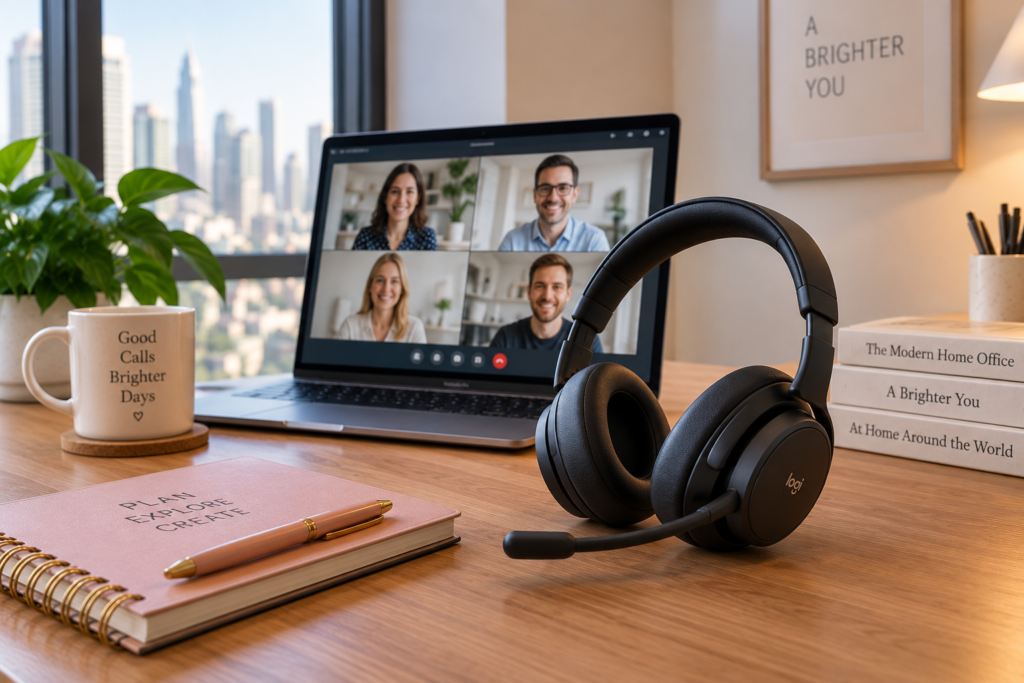
Working alone all day can create a different problem that no headset fixes. If the home office gradually becomes the place where you spend nearly all your waking hours, the isolation that can come with working from home is worth taking seriously too.
Deal With the Cable Mess
A small desk gets messy much faster than a large one. One laptop charger, phone cable, lamp and monitor can leave wires running across the work surface and down to several outlets.
Before buying cable-management accessories, unplug everything and decide which devices actually need to stay connected. Put the power strip somewhere accessible but off the main work surface if possible, bundle cables that follow the same route and use clips for the cables you disconnect regularly.
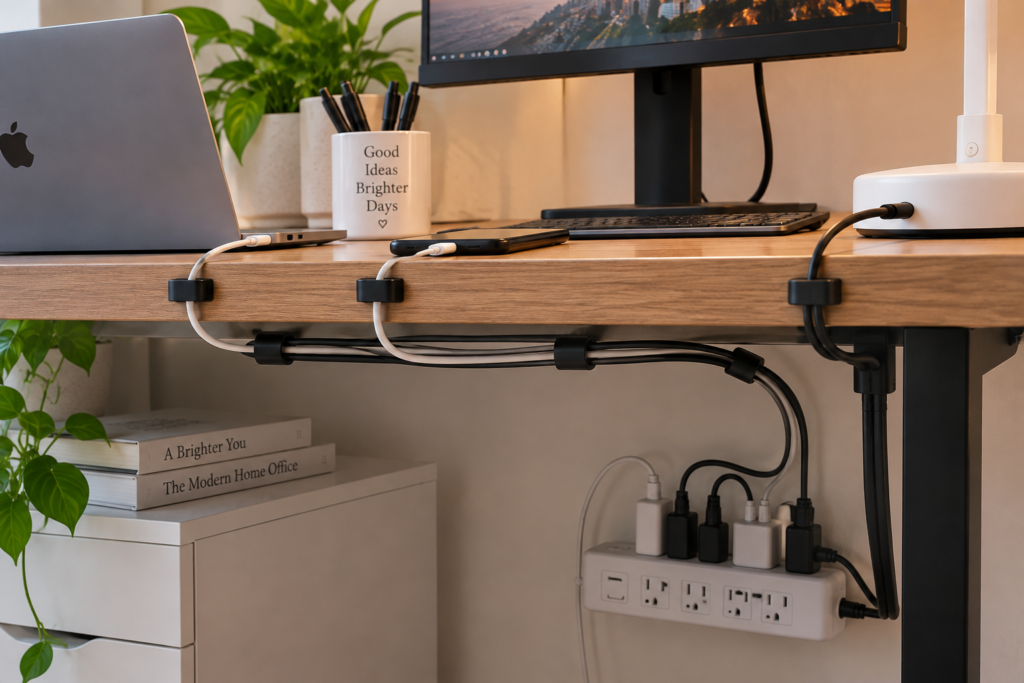
The goal isn’t to create the immaculate cable-free desk you see in product photographs. It’s simply to stop moving three cables every time you need to put a notebook on the table.
How to Set Up a Home Office in a Small Apartment
To set up a home office in a small apartment, give one small area a permanent work function instead of trying to create a separate office room. That could be a corner of the bedroom, a section of the living room or even the space beside a wardrobe, as long as you can fit a desk and chair there without making the apartment difficult to live in.
This was the part I struggled with most in my studio. I kept thinking I didn’t have enough space for a home office because I was imagining a normal office desk. Once I stopped doing that, the solution was fairly obvious. My folding table doesn’t need much floor space, and if I really need the corner for something else, I can fold it away.
If your apartment is tiny, measure everything before ordering furniture. Don’t just measure the wall where the desk will stand; check how far the chair comes out when you’re sitting down and whether you can still open cupboards, walk past the desk or reach a nearby door. Ten or twenty centimetres can make a surprising difference in a studio.
I would also avoid filling a small desk with storage boxes and organizers unless you actually need them. Keeping most things off the desk has worked better for me than trying to organize every centimetre of it. If you are wondering how to organize a small home office, start by removing things rather than buying containers for them.
A compact folding desk can be particularly useful when you’re figuring out how to set up a home office without a spare room, because you’re not permanently sacrificing that part of the apartment.
Home Office Setup on a Budget
You can set up a functional home office on a budget by spending first on comfort and positioning rather than décor and premium accessories. If you already own a laptop, you don’t need to buy a complete office at once.
I would build it gradually. Use the workspace for several days, notice what is genuinely irritating you and fix that problem next. If your back hurts because you’re using a dining chair, a better chair makes sense. If you’re constantly looking down at your laptop, buy a stand. If you can’t see your keyboard properly at night, lighting comes before a second monitor.
| Budget | Buy First | Skip for Now |
|---|---|---|
| Under $100 | Laptop stand, keyboard/mouse, lamp | Décor |
| $100–300 | Add a better chair | Premium accessories |
| $300–600 | Chair + monitor | Expensive standing desk |
| $600+ | Complete ergonomic setup | Things you won’t actually use |
These aren’t strict budgets because prices vary considerably by country and product. The point is the order. A cheap home office setup can still work extremely well if the few things you buy solve actual problems.
This also makes more sense than buying everything before you know how you work. Remote work can already blur the line between being productive and simply being at your computer all day, and constantly extending your working hours can eventually contribute to the exhaustion and lack of separation associated with work burnout.
The 5 Things I’d Buy First
If I had to build a home office again from scratch, I would buy a comfortable chair, laptop stand, external keyboard and mouse, monitor and good desk lamp in roughly that order. The desk itself obviously comes first if you don’t already have a suitable surface, but beyond that I wouldn’t rush to fill it with accessories.
1. A supportive chair. This is where I would put the largest part of the budget because I spend far more time using the chair than any other piece of office equipment.
2. An adjustable laptop stand. It’s inexpensive, takes up little space and makes much more sense in a small apartment than buying furniture simply to get the screen to a better height.
3. An external keyboard and mouse. Once the laptop is raised, these become necessary rather than optional.
4. A monitor. I would buy this only if my work actually benefits from the additional screen space. For writing, research and working between several documents, I find the extra space useful; someone who works primarily in one application may not.
5. A good desk lamp. It doesn’t have to be decorative or expensive. I would rather have something small, adjustable and easy to move.
Those are the products I would concentrate the Amazon links around. I wouldn’t add random desk mats, plants, clocks and organizers just to increase the number of affiliate links.
How to Make a Home Office More Productive
The easiest way to make a home office more productive is to remove the things that repeatedly interrupt your work and make the workspace easy to start using every day. Productivity isn’t automatically created by buying better equipment.
For me, having a desk helped partly because sitting there became a signal that I was working. When I worked from bed, there wasn’t much difference between opening my laptop for work and opening it to watch something. A dedicated corner created a boundary even though the desk was only a few metres from my bed.
I also keep the setup simple enough that I don’t have to rebuild it every morning. If you use a dining table and have to remove breakfast, find your charger, bring over the laptop stand and move everything again before dinner, eventually the sofa starts looking easier.
The opposite problem is never leaving your workspace. A home office shouldn’t mean spending your entire day in the same chair. Take lunch somewhere else, go outside and physically leave the desk when the working day is over. This becomes especially important when working alone for long periods, because remote work can gradually reduce everyday social contact without you noticing immediately.
Separate the Office From the Rest of Your Home
You don’t need a separate room to separate work from home, but you do need some kind of boundary between the two. In my studio, that boundary is mostly behavioural rather than physical: the corner with the folding table is where I work, while I try not to return to working from bed simply because it’s more comfortable for ten minutes.
If your desk is in a bedroom or living room, create a small end-of-day routine. Close the laptop, put away work papers, switch off the desk lamp and leave the chair. With a folding setup, you can even fold the table away at weekends if having it visible makes you feel as though you should be working.
This is also why I don’t think there is one perfect home office arrangement for everybody. Some people need complete silence, while others become miserable after eight hours alone and are happier mixing home days with coworking or office days. If the latter sounds familiar, asking for a more flexible hybrid arrangement may solve more than buying another piece of home-office equipment.
What You Actually Need — and What You Probably Don’t
A useful home office needs a suitable work surface, comfortable seating, sensible screen position, adequate lighting and the equipment required for your particular job. Everything beyond that is optional.
If you’re trying to decide what should I buy for a home office, I would ask one question before every purchase: what problem will this solve?
If you can’t answer it, wait.
You don’t need a standing desk because remote workers on YouTube have one. You don’t need two monitors because somebody else’s setup has three. You don’t need acoustic panels for two Zoom meetings a month, and you certainly don’t need to decorate an entire room before you can work productively in it.
My own home office is proof of that. It started with one folding table in the corner of a tiny studio and a comfortable chair. It isn’t a separate office and it doesn’t look like a showroom, but it gave work a place to happen. For me, that turned out to matter much more.
FAQ
What do I need for a basic home office setup?
A basic home office setup needs a desk or stable work surface, a comfortable chair, a computer, reliable internet and suitable lighting. Laptop users may also benefit from a stand, external keyboard and mouse, while a monitor is useful if your work requires more screen space.
How do I set up a home office in a small space?
Set up a home office in a small space by choosing one dedicated corner and using furniture that fits the available floor space rather than trying to recreate a full-size office. Folding desks, compact desks and equipment that can be stored vertically are particularly practical in studios and small apartments.
Where should I put my desk in a home office?
Put your desk somewhere with convenient power access, manageable noise and enough light without creating glare on your screen. Also check that the chair can move comfortably and that the desk doesn’t block doors, wardrobes or frequently used walkways.
Should my home office desk face a window or a wall?
Your home office desk can face either a window or a wall, although having natural light coming from the side is often more practical. Facing a bright window can cause eye strain, while having one directly behind you can make video-call lighting difficult.
How much does it cost to set up a home office?
A home office can cost under $100 if you already own a computer, desk and suitable chair, while a more complete setup can easily cost several hundred dollars. Rather than setting a fixed budget, spend first on the items that affect comfort and your ability to work.
What should I buy first for a home office?
Buy a suitable desk and comfortable chair first, followed by equipment that fixes problems in your existing setup. For laptop users, an adjustable stand with an external keyboard and mouse is often a useful early purchase, while monitors and other accessories can come later.
How can I make my home office more productive?
Make your home office more productive by keeping the workspace ready to use, removing distractions and creating clear start and finish points for the working day. A dedicated workspace can also restore some of the structure that disappears when you stop commuting to an office.
How do I set up a home office on a budget?
Set up a home office on a budget by using furniture you already own where it works and spending money only on the items that solve genuine comfort or productivity problems. Start with the chair, screen position and lighting before spending money on décor, storage systems or premium accessories.
Explore the Remote Work & Careers Hub
Discover more practical guides about remote jobs, hybrid work, career growth, burnout and the realities of building a career outside the traditional office.
Explore the Remote Work & Careers Hub →This article combines my own experience working remotely from a small studio apartment with independent research into home office ergonomics, workstation setup, lighting, and computer use. After spending a long time working from my bed because I had no separate office space, I eventually created a dedicated work corner with a small folding table and a comfortable chair.
Research sources included:
- My own experience setting up and working from a home office in a very small studio, including the practical problems of limited floor space, furniture placement, lighting, and separating work from the rest of the home.
- Office ergonomics guidance published by the U.S. Occupational Safety and Health Administration (OSHA), including recommendations for computer workstations, monitor placement, seating, and reducing glare.
- Office ergonomics recommendations published by Mayo Clinic, covering chair position, desk setup, monitor height, keyboards, mice, and using laptops for extended periods.
- First-hand observations from years of remote work, including working from a laptop for long periods, taking video calls from home, managing a small workspace, and finding practical ways to separate working time from personal time.
- Independent editorial research into small-space home office setups, basic equipment, desk organization, lighting, cable management, and affordable ways to improve a remote-work environment without buying unnecessary accessories.
The goal is to explain how to set up a home office that is comfortable and practical for everyday remote work, including when you live in a small apartment and do not have a spare room or a large budget.

Founder & Editor
Founder of The City Theory, writing about digital nomad lifestyle, modern city culture, remote work, travel experiences, psychology and human behaviour around the world.